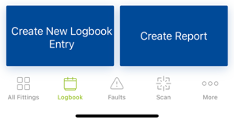
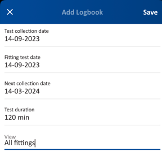
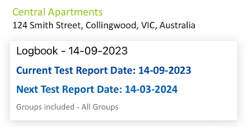
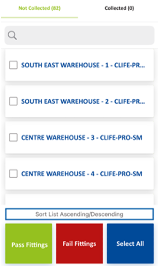
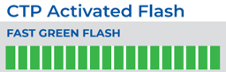
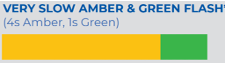
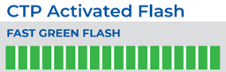
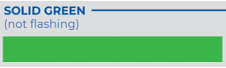
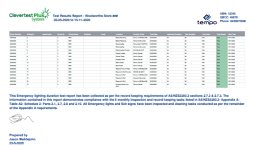
Back Testing a CTP System 1. Select your site Select your site in the CleverSparky Mobile app, enter the Logbook section and create a new Logbook entry. 2. Mark results against luminaires Select your Logbook then choose “Quick Collect Results” to mark a result against each luminaire 3. Monitor test indications For 5 days following the test the fittings will display this indication in a repeating cycle to indicate a passed test. If you don’t make it to site within the first 5 days the fittings will revert to this “Standby” mode which also indicates a passed test. 4. Handover to client After collecting the results, head to cleversparky.com where you can upload the site plans and send the test report.